:max_bytes(150000):strip_icc():focal(749x0:751x2)/bill-gates-paul-allen-teletype-012725-f93fe4a5c6ed419a8da17e50dc688a2f.jpg)
Real projects · Real skills · Real impact
Create your own project or choose from our existing set of projects. Follow a guided five-step journey from first idea to finished work - with built-in help at every stage. Whether it is a boardgame, game, app, business, groundbreaking research or an amazing invention or product - you can do it! Learn planning, patenting and how to write a white paper - all in one place.




Structured, mentor-led innovation - built for users who want to create, collaborate and present work they are proud of.
In association with
Real work from students on the platform - inventing products, researching ideas and publishing what they build.
Mosquitos are an emerging problem in temperate climates, everyone has heard of malaria but now it's on our doorsteps ...
My idea is to help students with stress from exams or just normal school work. I want to design a stress relief kit t...
PostPod aims to solve the problem of kids using social media that isn't safe. It has private channels only, anyone ca...
Who doesn't want to have fun at a sleepover!
Our idea is to help people have the most fun time at a sleepover! We know that sleepovers can be fun to start with, b...
Step back to what game nights shold look like.
Short Description: A low-prep, fun family game (specifically a TTRPG / tabletop role-playing game) great for kids and...
An epic universe where anyone can join their own private game to explore, build, and conquer the mystical 3D environm...
Finish a project and get showcased - then redeem a real-world prize with the coins you have earned. Self-nominate when your work is genuinely finished, or ask a teacher to nominate you.

Glorious London views and one of the best restaurant experiences in the world. Enjoy a wonderful meal for up to 4 people — redeemable only …
250 coins

Day at the British Museum with lunch, plus a personal / professional Biblical items tour with Immanuel founders Ruth and Jonathan. For up t…
250 coins
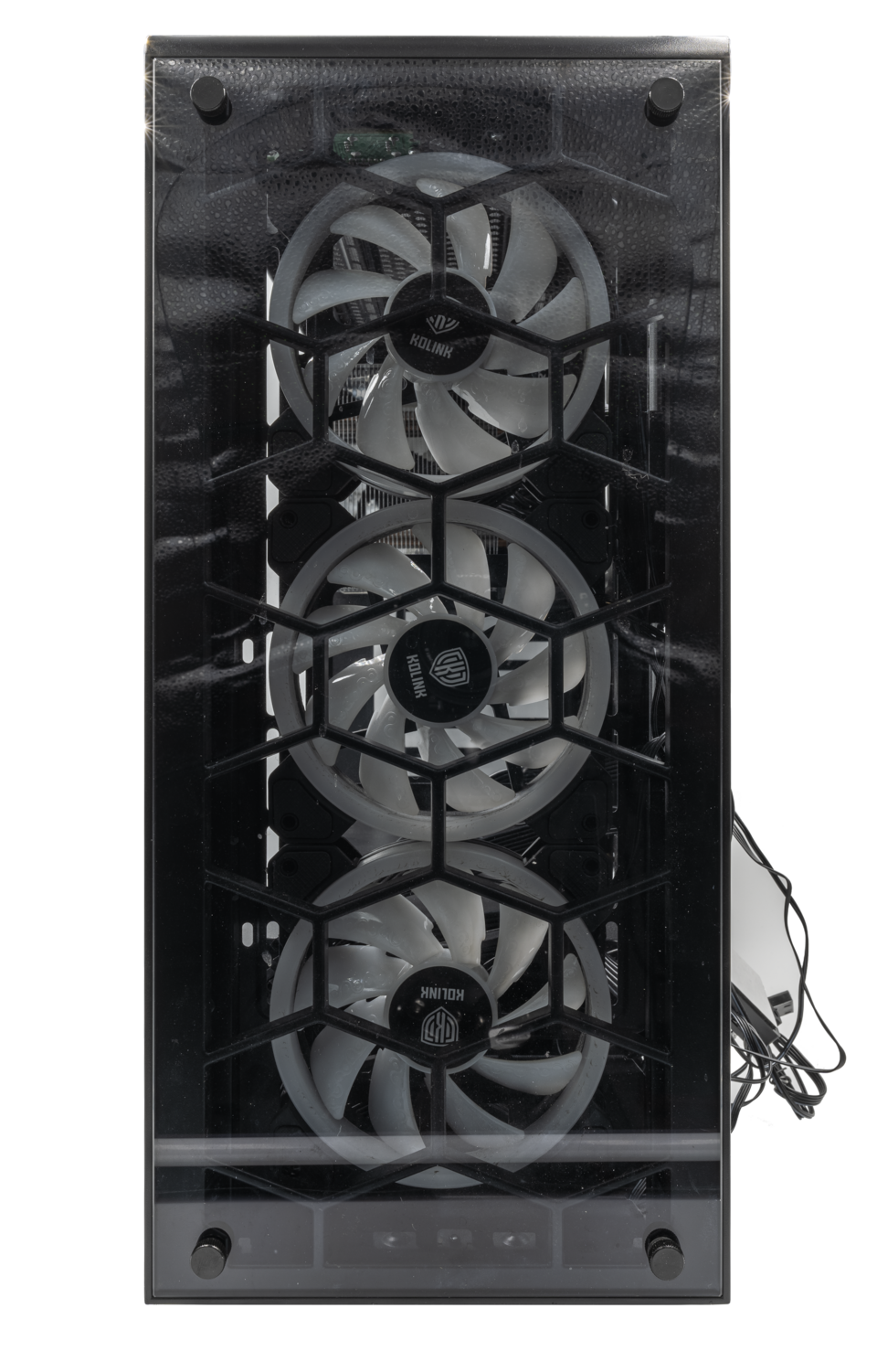
One of Immanuel’s own students creates custom PCs that are beautiful and functional. Claim a custom-built PC to the value of £500 — transpa…
250 coins

Second AmalTech custom PC prize (value £500). RGB lighting, clear case aesthetics, and a machine built for learning, creating, and gaming.
250 coins
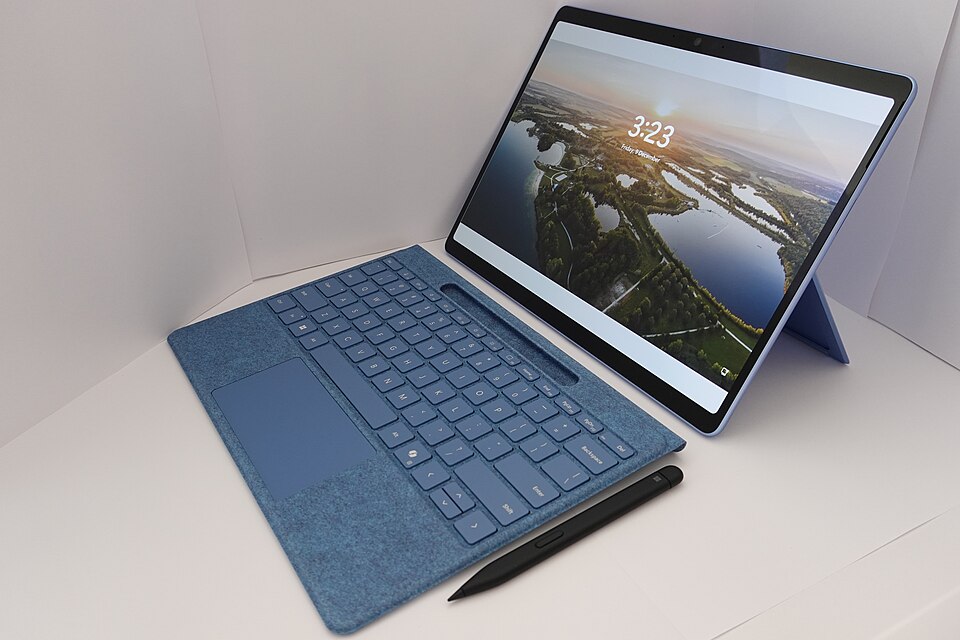
A reliable Dell laptop for study, coding, and creative work. Approx. value £300–450. Specs confirmed with admin at fulfilment.
250 coins
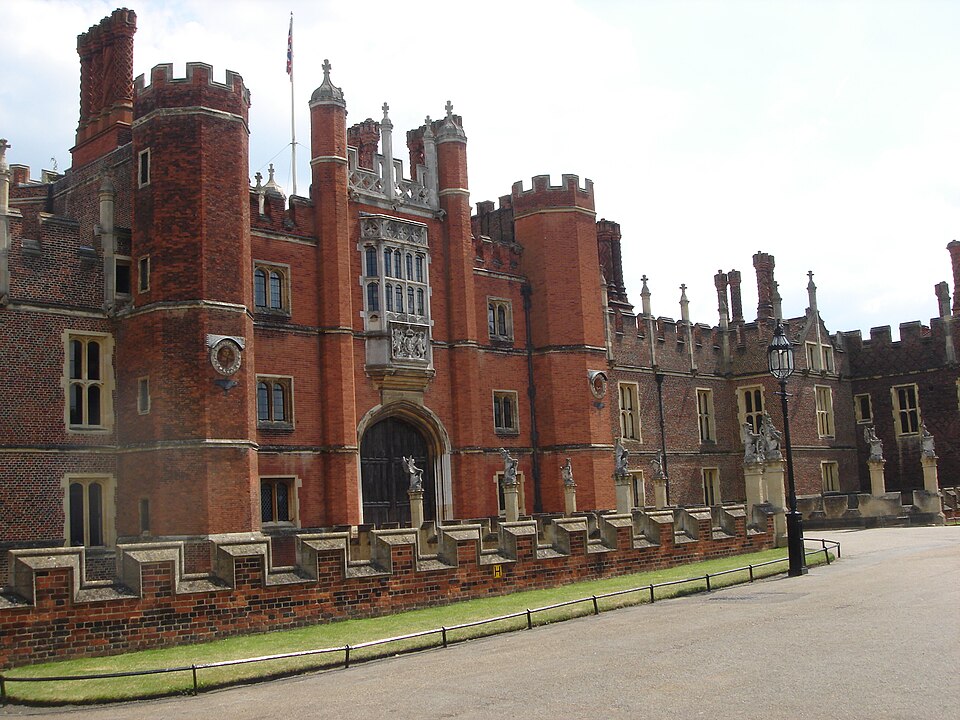
All-expenses day out at Hampton Court Palace for up to four individuals, with lunch included. History, gardens, and a memorable UK day.
250 coins

A straightforward £100 cash award for a showcased innovator — use it toward tools, travel, or your next prototype.
250 coins
Second Dell laptop prize for a showcased innovator. Great for schoolwork, design tools, and remote collaboration.
250 coins
This is not worksheets and posters. Students pick real-world briefs with clear deliverables - the kind of work that belongs in a portfolio, on a stage or in front of an audience. From screenplays to science papers, inventions to illustrated novels: if you can dream it, there is probably a project here for you.
Pitch a series, storyboard key scenes and produce a pilot that feels ready for streaming.
Develop characters, structure acts and deliver a polished script from first idea to final draft.
Design a smart device, prototype how it works and back it up with a proper technical white paper.
Ask a bold question, run experiments or investigations and present findings like a real scientist.
Build a world, design characters and publish illustrated pages that tell a story only you could write.
Original music, documentaries, apps, social enterprises, space-tech concepts, debate campaigns - 100+ briefs waiting for you.
One clear path from curiosity to a finished piece of work - with journaling, evidence and feedback along the way.
Invent your own idea - or pick from 100+ curriculum briefs across five fields. From inventions to whitepapers and research.
Each milestone includes a built-in guide: checklists, tips for your category, templates and journal prompts. Upload evidence as you go.
Projects start solo. When mentors see students on the same brief, they can form a group - shared wall, visible progress, stronger teamwork.
Complete all milestones, submit for showcase consideration and join the top projects celebrated on the public showcase page.
No scattered docs or lost files - your whole journey lives on the platform.
Real-world briefs with deliverables, inspiration videos and clear expectations - not vague homework tasks.
From intro and planning to launch - a friendly framework innovators use, adapted for school.
Reflect at every milestone. Upload photos, documents and media so mentors see how your thinking evolved.
Our standout feature: teachers link students and form project groups when independent choices align - without losing individual progress.
Mentors leave milestone feedback. Students get in-app alerts for groups, comments, showcase news and more.
Finish strong, nominate your best work and feature in the public Top 3 showcase when selected by admins.
Whether you are in Year 7 or preparing for university, you get a serious workspace - up to three active projects, a dashboard that tracks milestones and a portfolio of work that actually means something.
Browse the full library on your dashboard, start a project with one click and open your workspace for milestones, journal and uploads.
Preview project library ?Teachers and mentors track linked students, see progress at a glance, leave feedback on milestones, form groups on shared projects and nominate standout work for the showcase.
New mentor accounts are reviewed by an admin (or fast-tracked when you import your class list). Once active, your full panel unlocks.
Register to start any live brief - from apps and inventions to campaigns, enterprises, research and long-form writing.
Join Immanuel Innovation today. What could you do?